
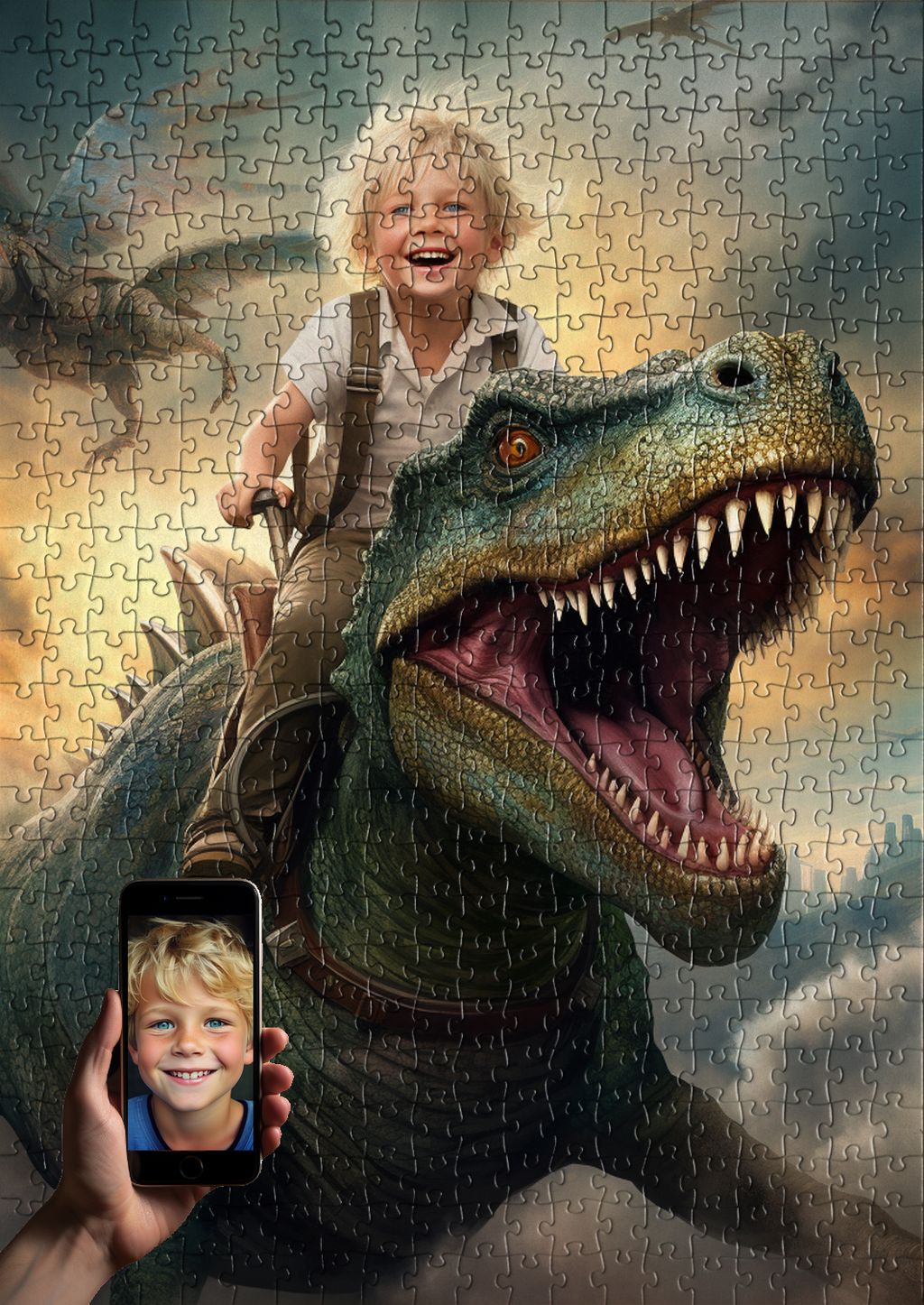
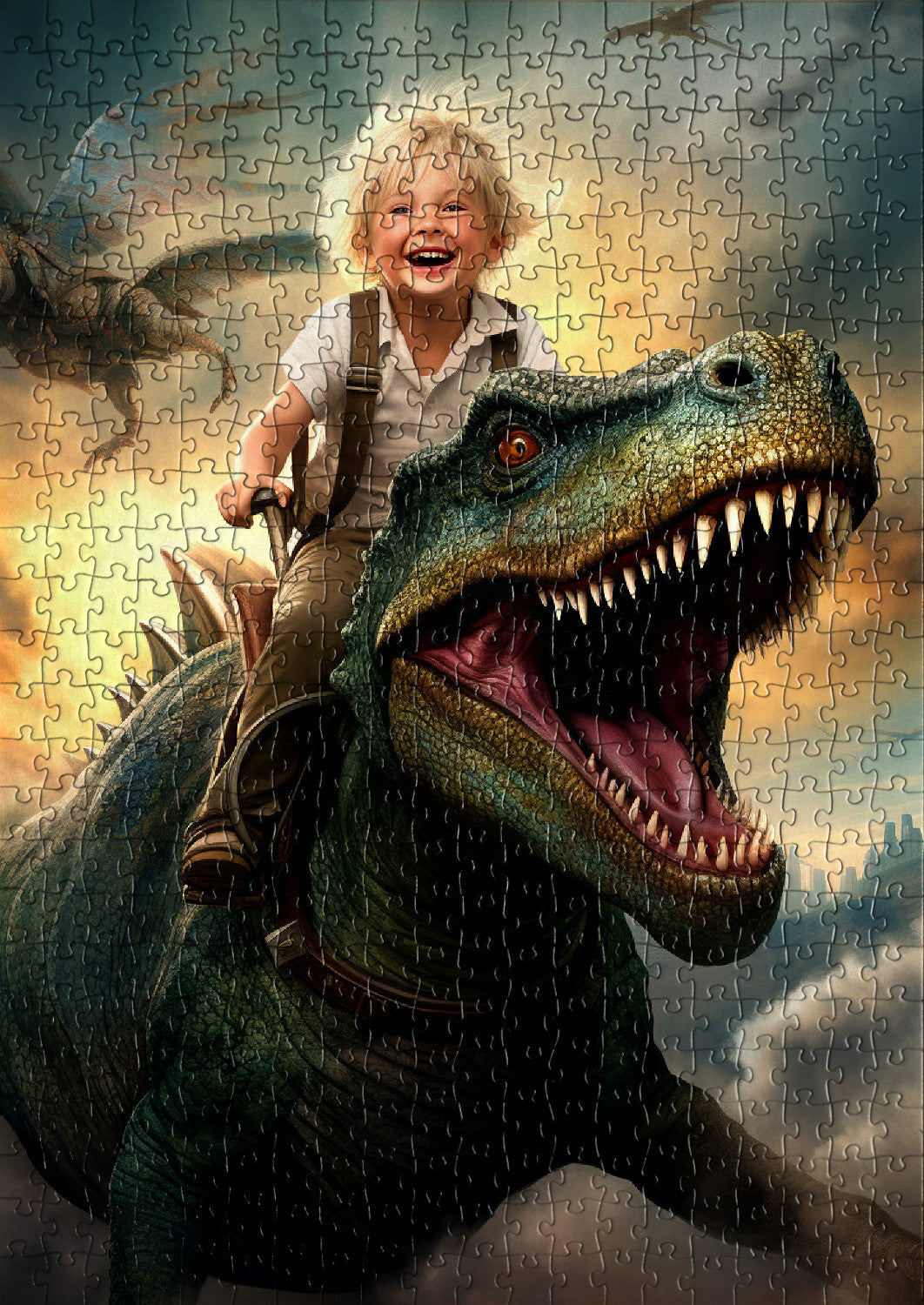
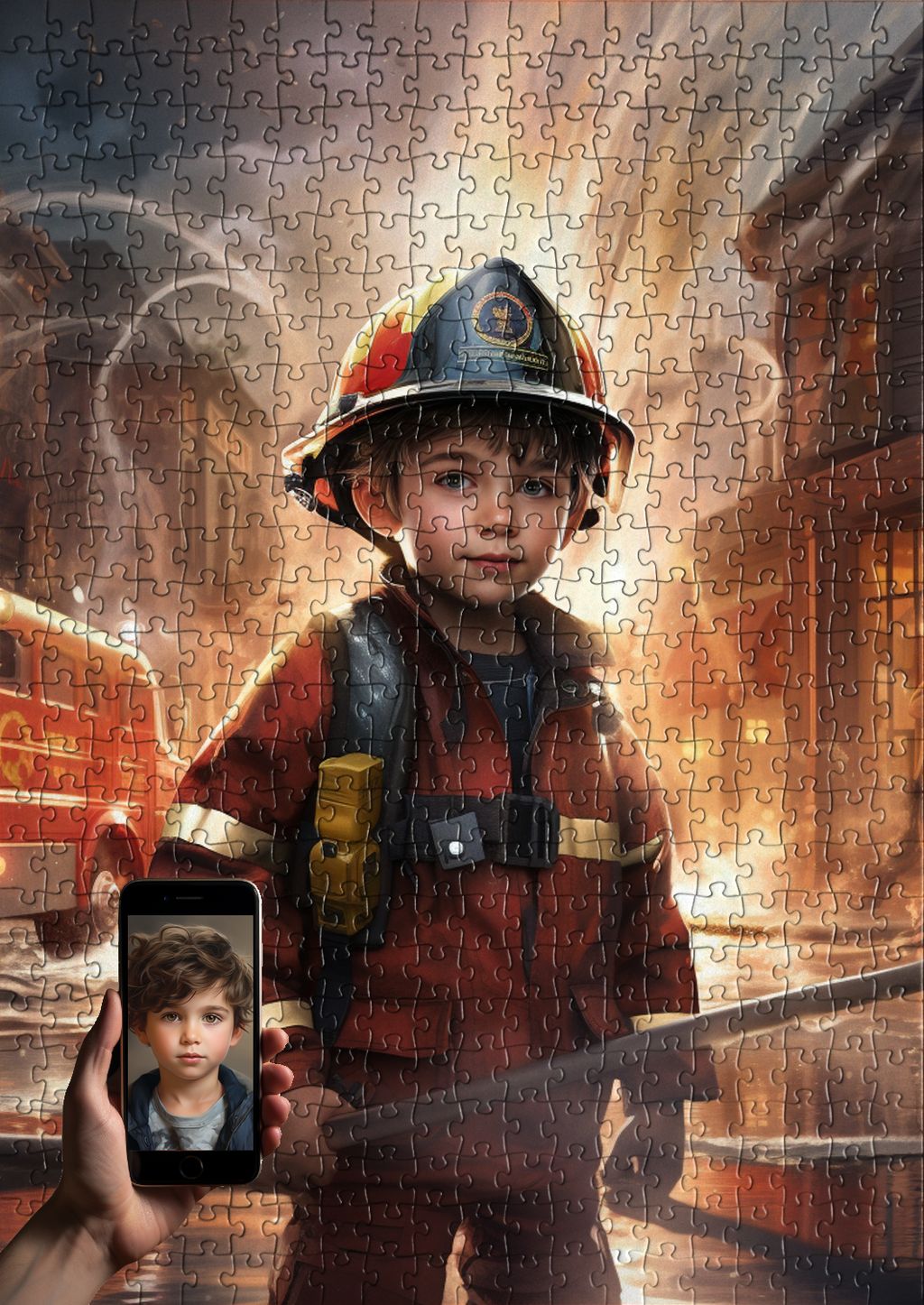
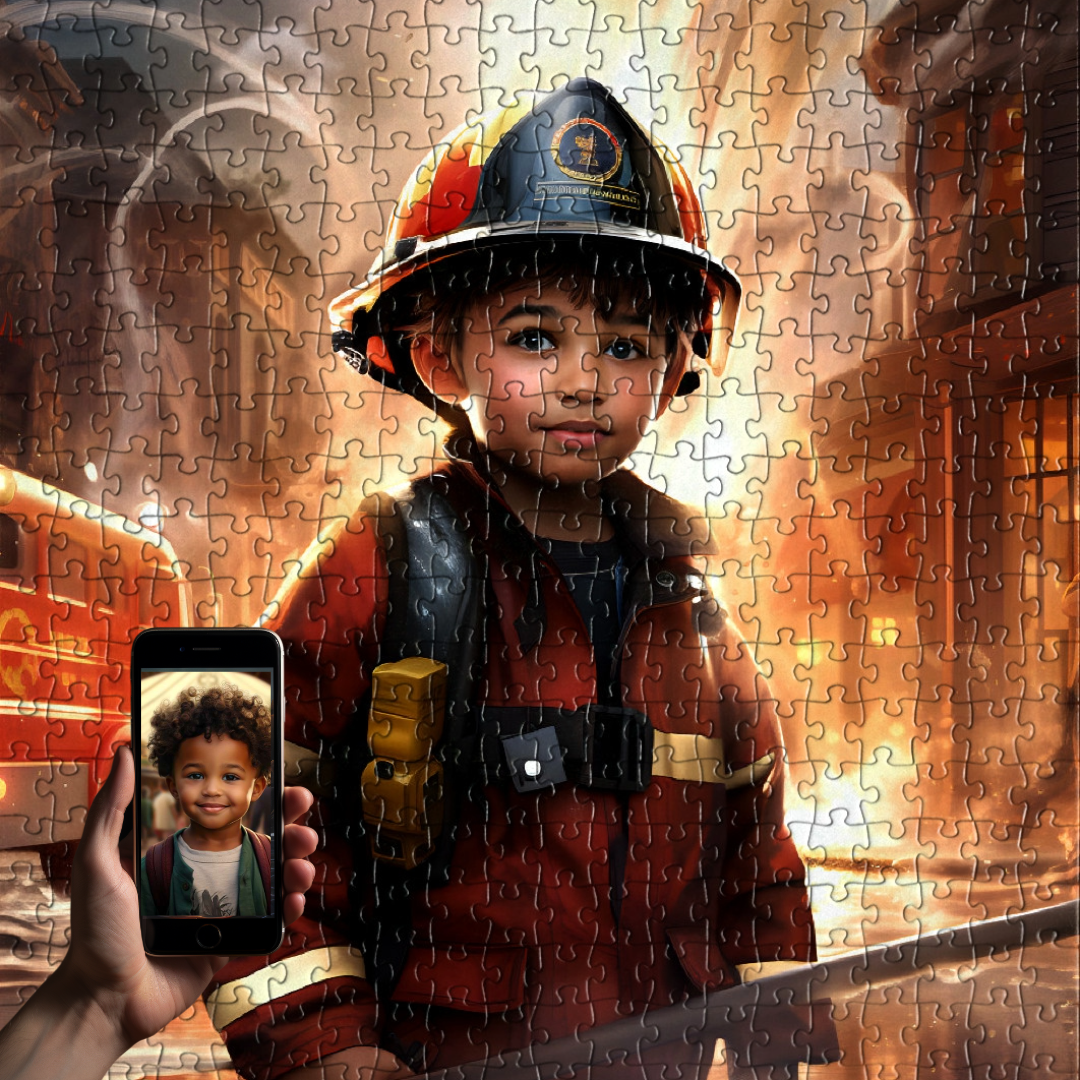
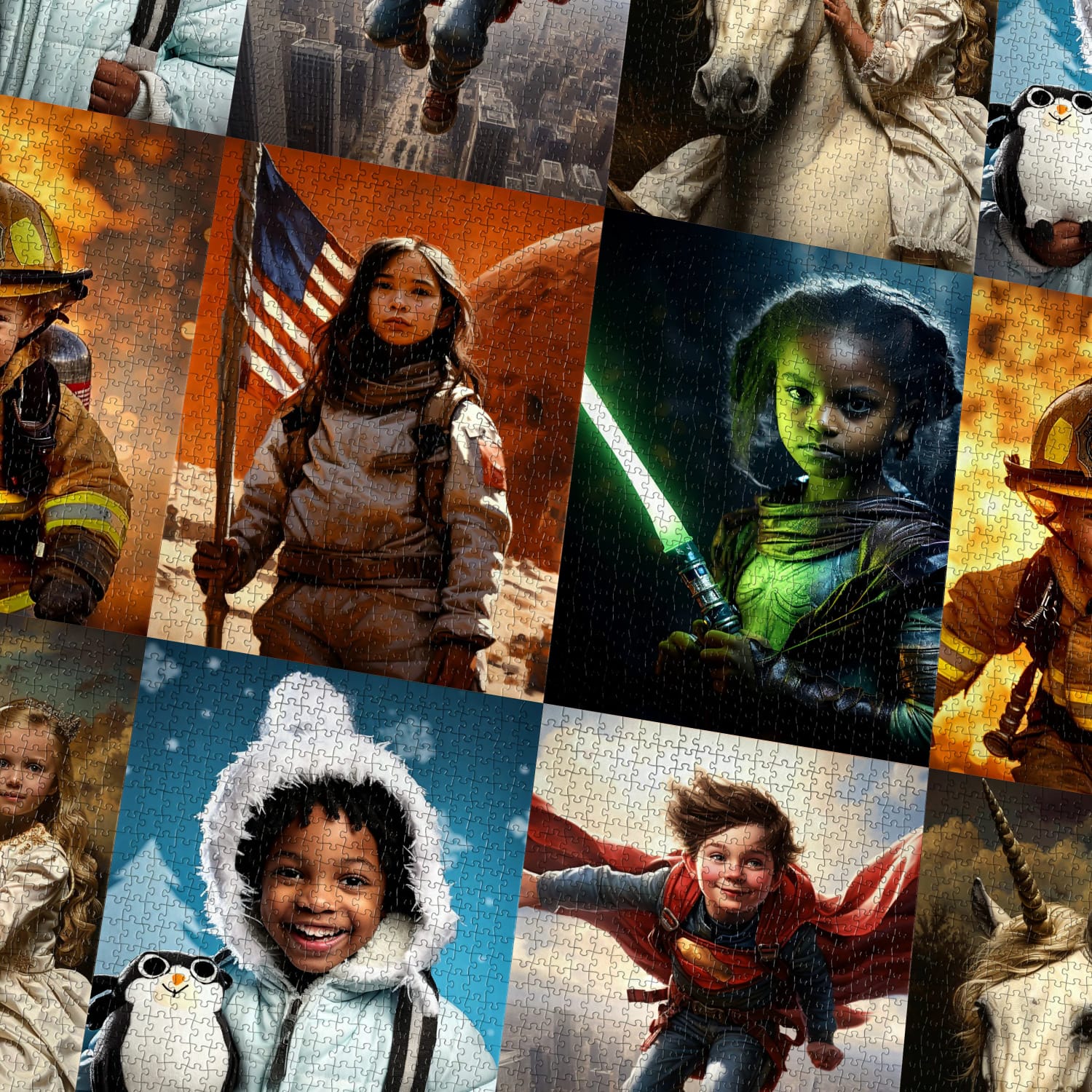
You found the perfect personalized puzzle, the one where your child rides a dinosaur, pilots a fighter jet, or rules a magical kingdom. You can already picture the joy on their face when they piece it together for the first time. There is just one small hurdle standing between you and that moment: choosing the right photo to upload. And if you are like most parents, you are probably scrolling through your camera roll wondering, "Is this one good enough? What about that one from the birthday party? Should I take a new picture entirely?"
That hesitation is completely understandable. A personalized puzzle is a keepsake, not a throwaway gift, and you want the artist to capture your child beautifully. The photo you upload is the single most important ingredient in the whole process. A great photo gives our illustrators everything they need to recreate your child's face with warmth and accuracy. A blurry, dark, or awkwardly cropped photo, on the other hand, can make their job genuinely difficult, and that usually means a longer wait while we ask you for a better version.
The good news is that you almost certainly already have a photo that works. You do not need a professional photographer, a studio backdrop, or a fancy camera. Most modern phones take pictures that are more than detailed enough. You just need to know what to look for. In this guide, we walk through the five things to check before you hit upload, plus the most common mistakes we see and a short FAQ that answers the questions parents ask us most often. By the end, you will be able to glance at any photo in your camera roll and know within seconds whether it is the one.
1. Resolution: Is the Photo Sharp Enough to Print?
Resolution is the technical word for how much detail a photo contains. When your child's face will be hand-illustrated and then printed on a puzzle, our artists need to see eyelashes, hair texture, the curve of a smile, and the sparkle in their eyes. A tiny, low-resolution image simply does not carry enough information.
As a rule of thumb, aim for a photo that is at least 1500 pixels wide, and ideally larger. Photos taken directly with a modern smartphone camera (iPhone, Samsung, Google Pixel, and similar) are almost always well above this threshold. The problem usually comes from photos that have been compressed, screenshotted, or downloaded from messaging apps.
How to check resolution on iPhone
- Open the photo in your Photos app.
- Swipe up on the image, or tap the small (i) info icon at the bottom.
- You will see the dimensions listed (for example, "3024 x 4032"). Anything above 1500 on the shorter side is great.
How to check resolution on Android
- Open the photo in your Gallery or Google Photos app.
- Tap the three-dot menu, then choose Details or Info.
- Look at the resolution line, listed as "width x height" in pixels.
If you only have a small or compressed copy, see if you can find the original. The version sitting in your camera roll is almost always higher quality than the one you sent through WhatsApp or saved from Instagram.
2. Lighting: Soft, Natural, and on the Face
Lighting is the secret ingredient that turns an ordinary phone snap into a great reference photo. Our artists rely on the light in your picture to understand skin tone, hair color, and the natural shape of your child's features.
The single best light source is natural daylight, ideally indirect. A photo taken near a window on a bright but cloudy day is close to perfect. Outdoor shots in the shade also work beautifully. What you want to avoid:
- Harsh midday sun directly overhead, which creates dark shadows under the eyes and nose.
- Backlighting, where the sun or a window is behind your child and their face becomes a dark silhouette.
- Heavy indoor lighting from a single overhead bulb, which often makes skin tones look orange or yellow.
- Camera flash at close range, which flattens the face and creates red eyes.
If you are taking a fresh photo on purpose, try standing your child a few steps inside an open doorway, facing the daylight. You will be amazed how flattering that simple setup is.
3. Face Angle: Straight On Works Best
Most of our personalized designs feature the child as the clear hero of the scene, looking out toward whoever is putting the puzzle together. That means our illustrators get the best results when the reference photo shows the face straight on, or very close to it.
A slight tilt or a three-quarter angle is fine and often adds personality. What gets tricky is a hard profile shot (where you only see one side of the face), or photos taken from far below or high above. In those cases, the artist has to guess at features they cannot actually see, and the final illustration may not look quite like your child.
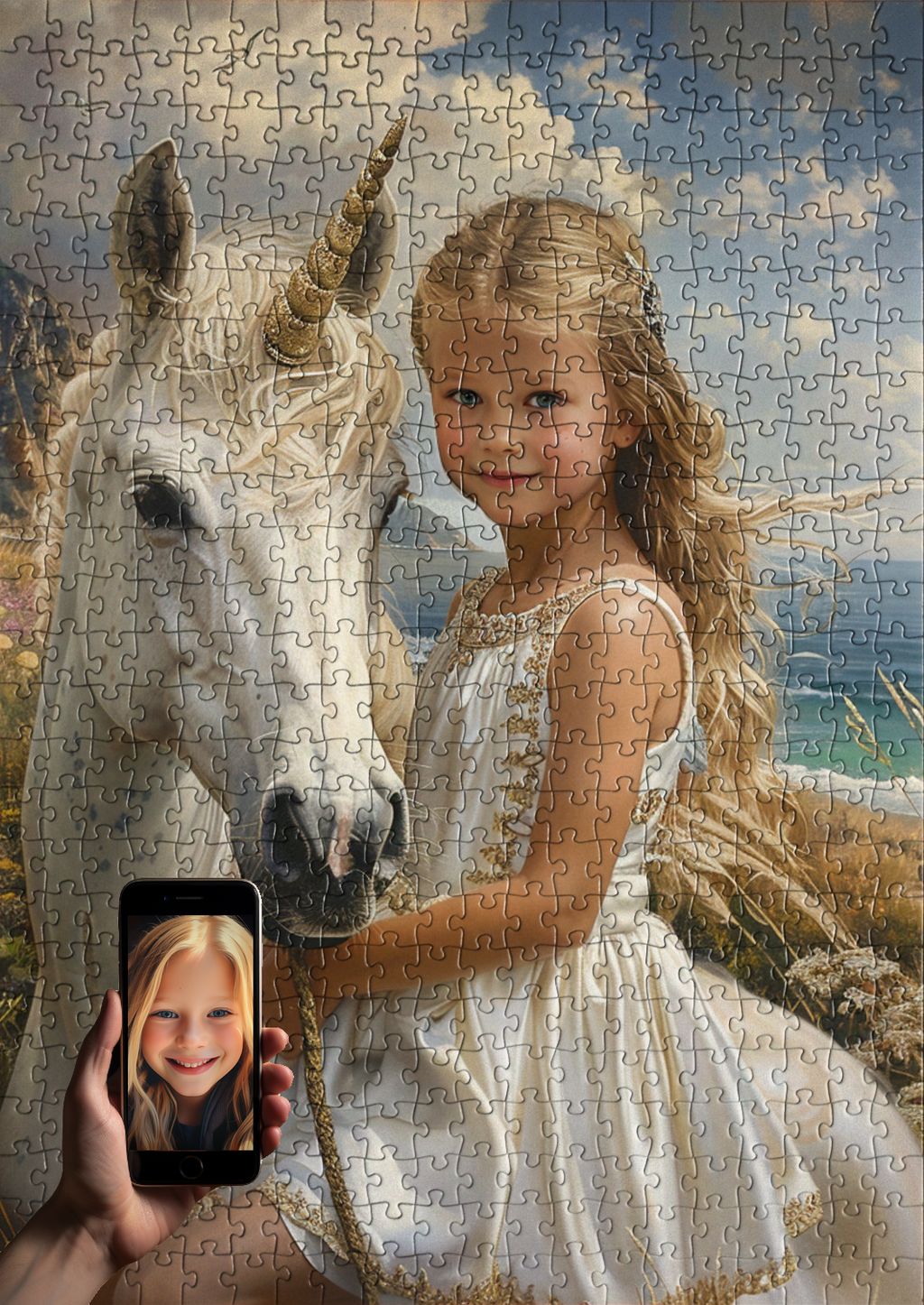
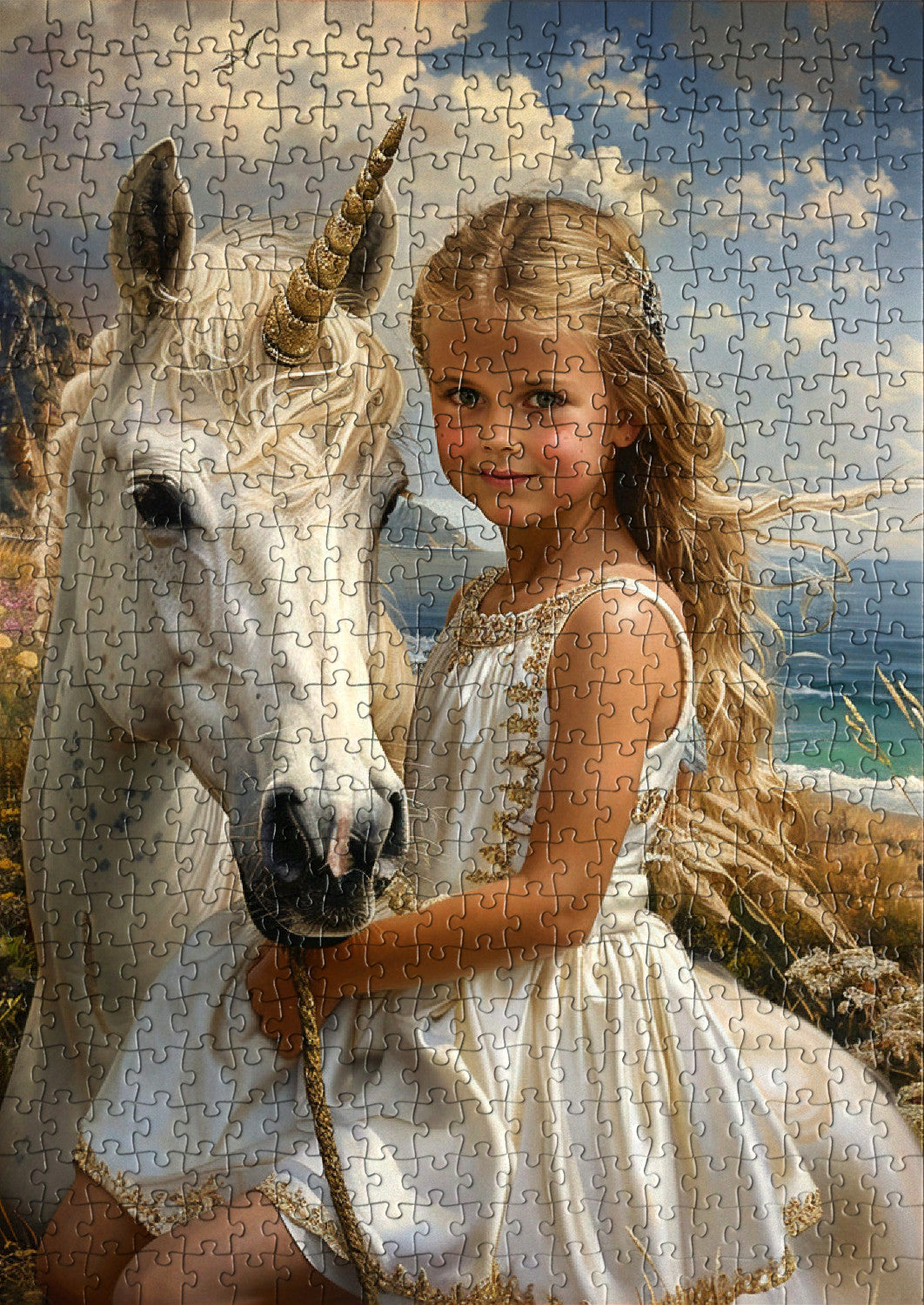
A quick test: can you see both eyes, the full nose, and the whole mouth clearly? If yes, the angle is working. This is especially important for designs with a strong central character, like our F-35 Pilot Boy or Beautiful young princess in a royal castle, where your child's face becomes the focal point of the whole scene.
4. Background: Less Important Than You Think
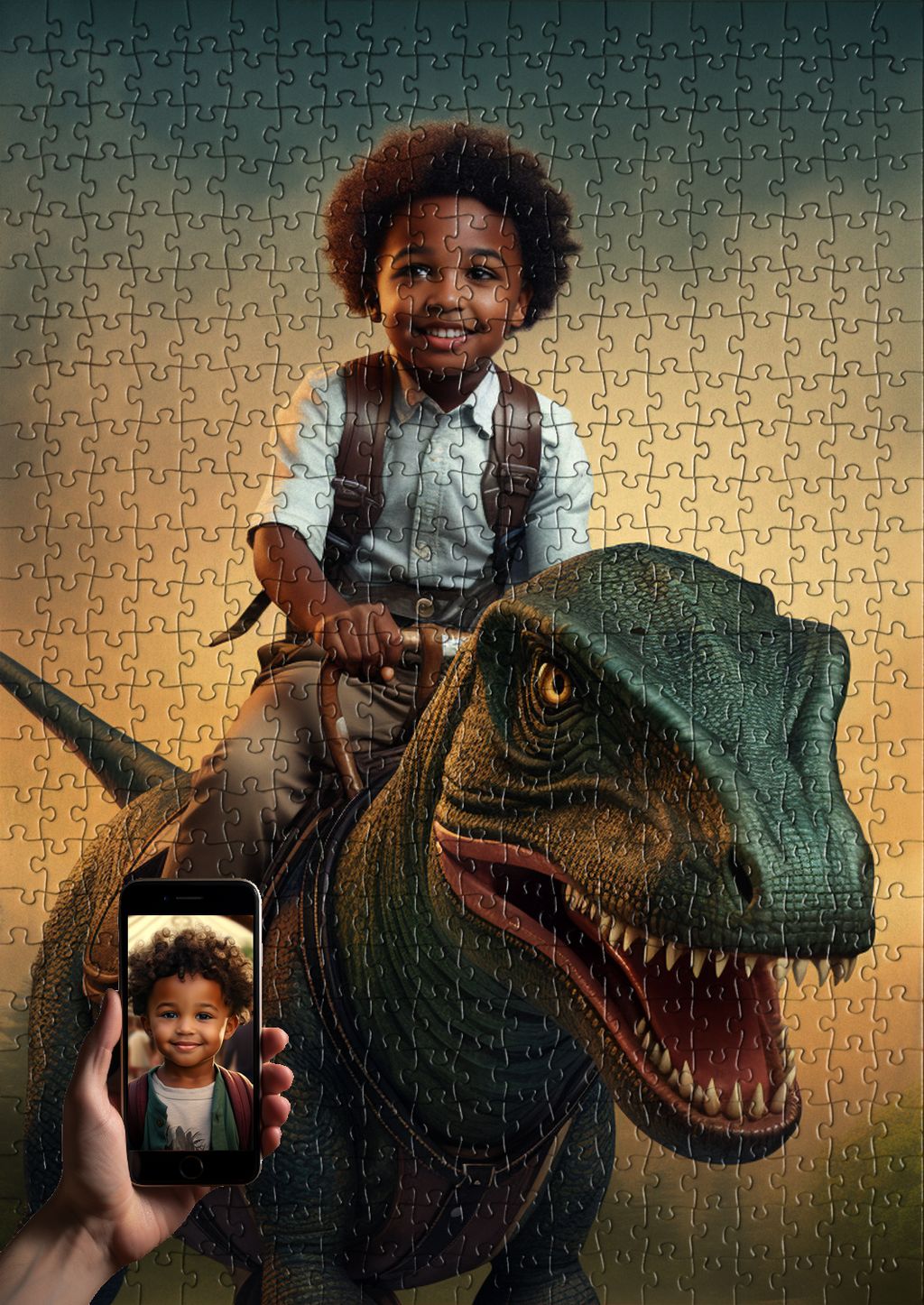
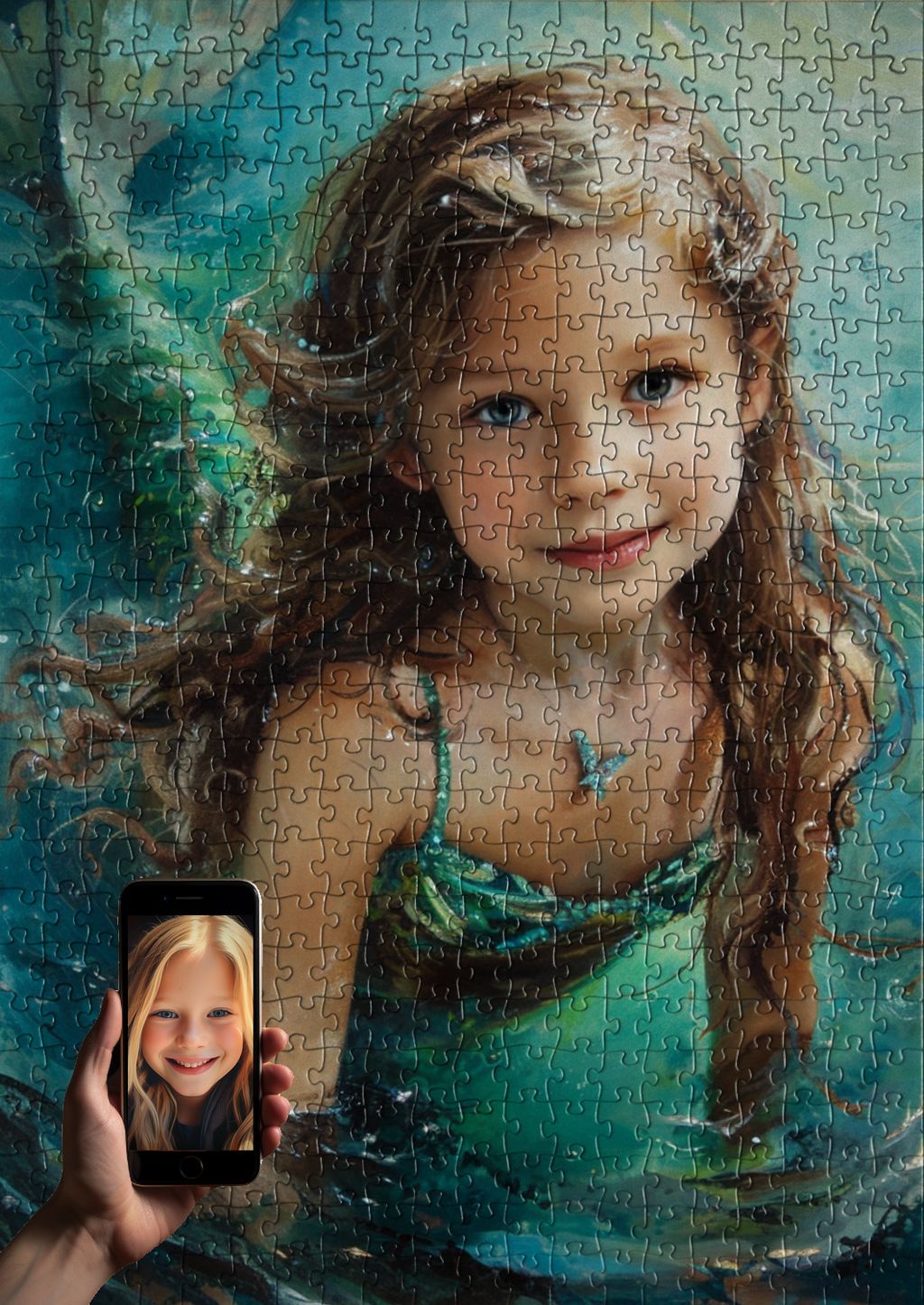
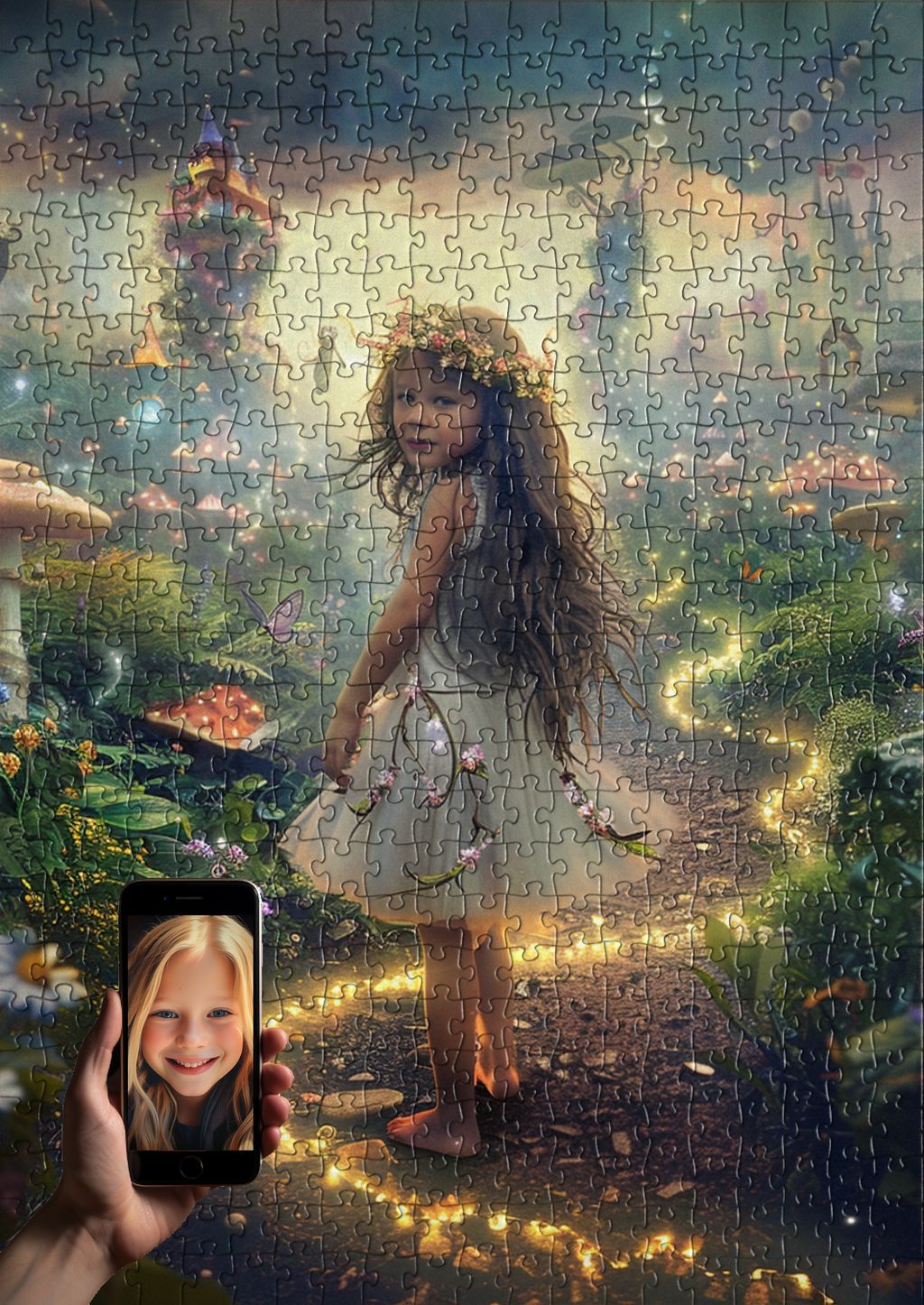
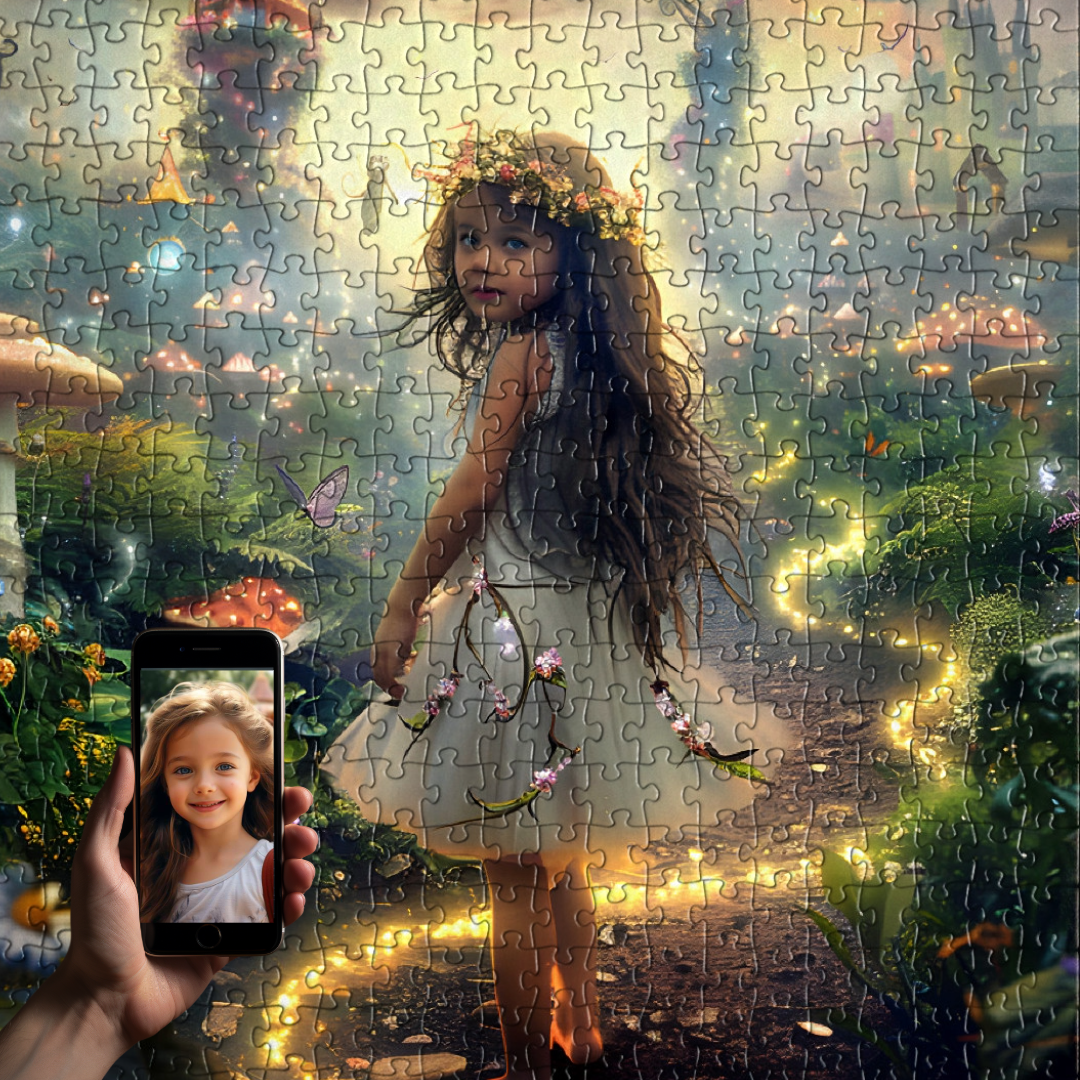
Here is some news that surprises a lot of parents: the background of your photo does not really matter. Our digital artists carefully isolate your child's face and place them into a brand new illustrated world, whether that is a prehistoric jungle, a fairy tale castle, or outer space. The wallpaper, the messy playroom, the slightly grubby car seat: none of it will appear in the final puzzle.
That said, there is one small thing to keep in mind. A background that contrasts well with your child's hair and skin makes it easier for the artist to cleanly separate the face from the rest of the image. A blond child standing in front of a cream-colored wall, or a dark-haired child against a deep navy couch, can be slightly harder to work with than the same child against a contrasting background.
This is a "nice to have," not a deal-breaker. If you have a beautiful photo with a tricky background, please send it anyway. We will make it work.
5. Expression: Natural Smiles Beat Forced Poses
The expression in the photo is the soul of the finished puzzle. When a parent assembles a personalized puzzle and sees their child grinning back at them from a magical scene, the emotion is real because the smile was real.
Look for photos where your child is genuinely engaged: laughing at something off-camera, gently smiling at a parent, or showing a calm and curious expression. These translate beautifully into illustration. The stiff "say cheese" face from a school photo day, on the other hand, can look a little frozen once recreated.
A few expression tips:
- Candid photos almost always work better than posed ones.
- A closed-mouth smile or a soft happy expression is just as wonderful as a big toothy grin.
- Photos where your child is making a silly or extreme face can be charming, but they may not match the gentle, heroic tone of most personalized designs.
- Eyes open and looking roughly toward the camera is ideal.
Common Mistakes to Avoid
After helping thousands of families create their puzzles, we see the same handful of photo problems again and again. Knowing about them in advance saves everyone time.
Blurry zoom-ins
If you only have a photo where your child is small in the frame and you crop in tight to "zoom" on their face, the result will be soft and pixelated. It is always better to send the original wide photo and let our artists do the cropping at full resolution.
Group photos where the child is tiny
Family vacation shots and birthday party group photos are precious, but if your child's face only takes up a small portion of the image, there is not enough detail to work from. Choose a photo where your child fills a meaningful portion of the frame.
Sunglasses, hats, and face paint
We need to see the eyes clearly. Sunglasses are a hard no. Hats that shade the entire face are also tough. Even cute headbands or hoods that fall low over the forehead can hide important features.
Screenshots from social media
A screenshot of an Instagram post or a Facebook photo is dramatically lower resolution than the original file. If the picture you want exists somewhere as an original (in your camera roll, in a cloud backup, or with a family member who took it), please dig that version up.
Heavy filters
Beauty filters, cartoon filters, and strong color grading can change the shape of your child's face, eyes, and skin tone. Send an unfiltered version whenever possible. The artist will add all the magic the puzzle needs.
Putting It All Together
If you remember nothing else, remember this short checklist before you upload:
- The photo is sharp and at least 1500 pixels on the shorter side.
- The face is lit by soft, natural light, not backlit or in harsh shadow.
- You can see both eyes, the nose, and the mouth clearly.
- Your child's expression is natural and relaxed.
- The face fills a good portion of the frame, with no hats or sunglasses in the way.
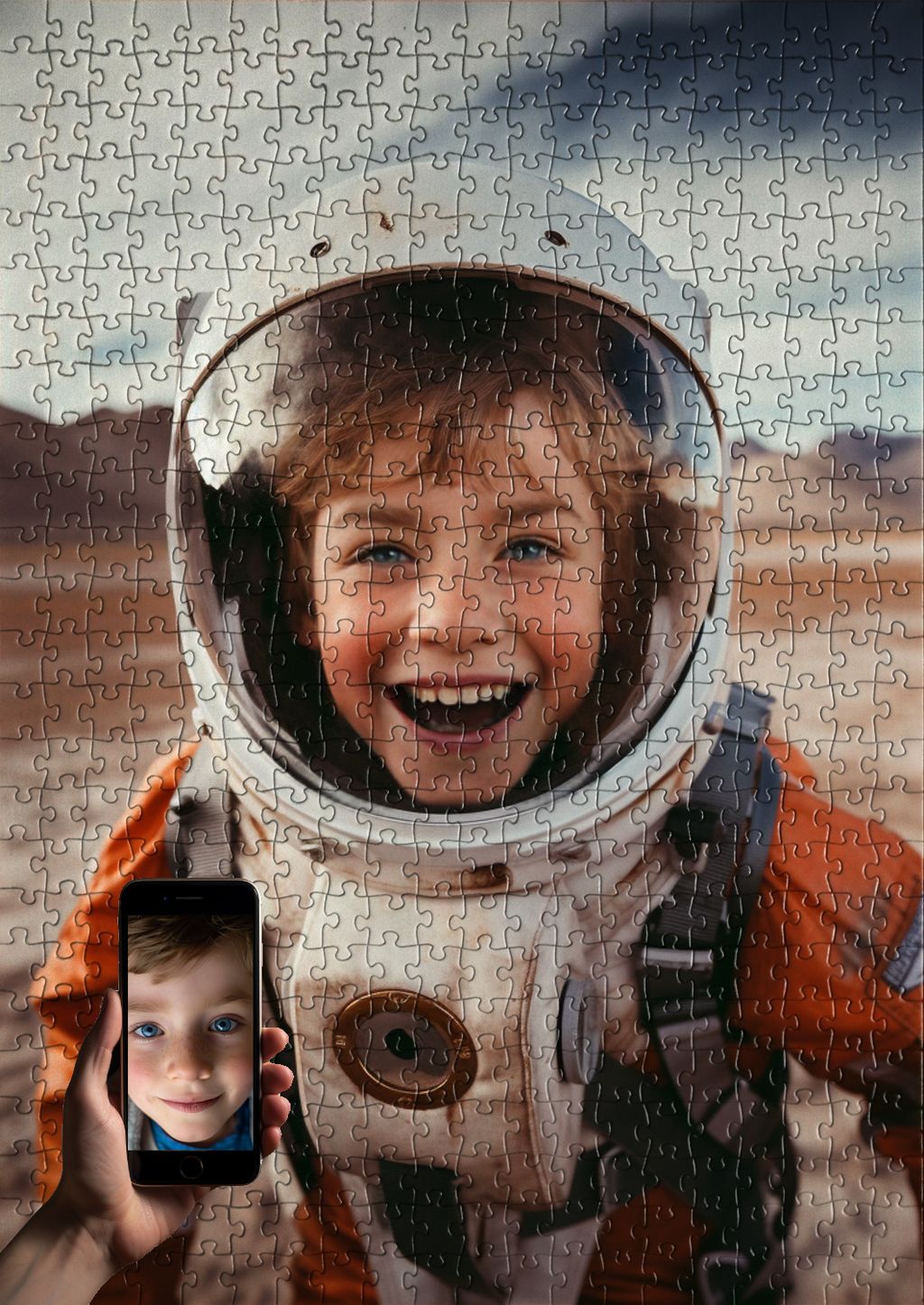
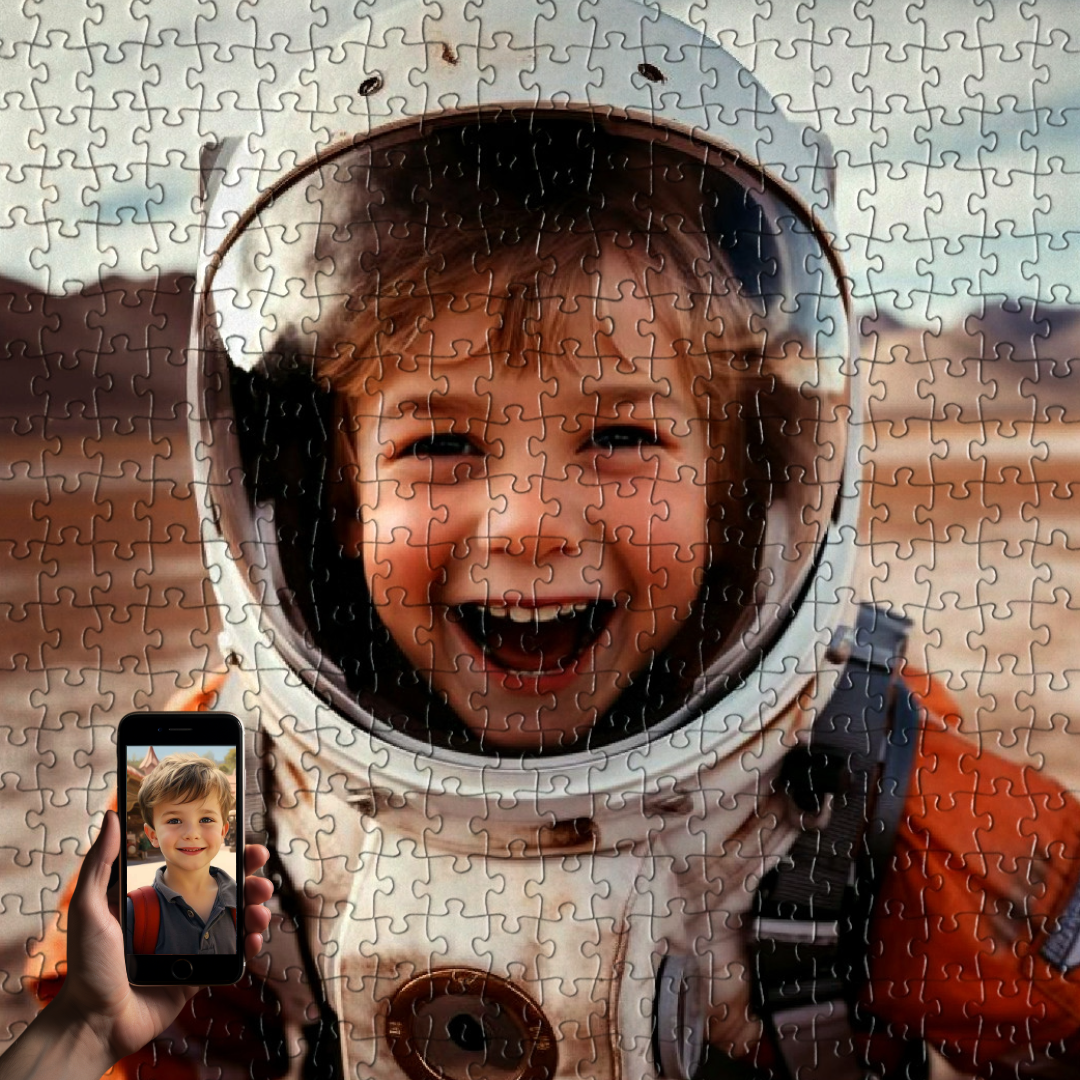
If your photo ticks those five boxes, it is ready. Whether you are turning a recent snapshot into a classic Transform your picture into a puzzle keepsake or transforming your little one into the star of a fully illustrated Unique Puzzle scene, the better the photo, the more delightful the finished piece.
Frequently Asked Questions
Can I send a screenshot of a photo?
We strongly recommend against it. Screenshots are typically saved at a much lower resolution than the original photo, and they often include compression artifacts that hide fine detail. If the photo you love only exists as a screenshot, try to track down the original file. Ask the family member who took it, check your cloud backup, or download the highest-quality version available from the original source.
What about older photos? Will they still work?
Yes, often very well. Photos from older smartphones, or even scanned printed photos, can be excellent as long as they are reasonably sharp and well lit. Children change quickly, of course, so just keep in mind that the finished puzzle will reflect the age your child was in the picture. Many parents love this and intentionally choose a photo from a meaningful moment, like a first birthday or a first day of school.
Does makeup or face paint work?
A little bit of fun face paint, like a butterfly on one cheek or a small superhero mark, is usually fine and our artists will gently simplify it as needed. Full-face paint that hides the natural features (a complete tiger face, for example) makes it impossible to capture how your child actually looks, so we would ask for an additional photo. The same applies to heavy theatrical makeup.
Can I put multiple kids in one puzzle?
For most of our illustrated hero designs, the scene is built around a single child as the star. If you have siblings and want them both included, the easiest path is to choose a design that naturally accommodates two figures, or to commission a fully custom piece through our Unique Puzzle service, where we can build the scene around exactly the number of children you want. For each child, please upload one clear, well-lit individual photo.
What if I am not sure my photo is good enough?
Send it to us anyway. If anything is off, our team will reach out before any illustration work begins and help you choose a better option. You will never end up with a disappointing puzzle because of a photo problem we could have flagged in advance.
One Last Thought
Choosing the photo is really the beginning of the gift, not just an admin step. You are picking the version of your child you most want to see celebrated, the smile you want to keep, the moment you want to turn into something they can hold in their hands. Take a few minutes, look through your favorites with these five checks in mind, and trust your instinct. When the photo feels right to you, it will almost certainly feel right to our artists too. And then the real fun begins.
Share and get 15% off!
Simply share this product on one of the following social networks and you will unlock 15% off!